

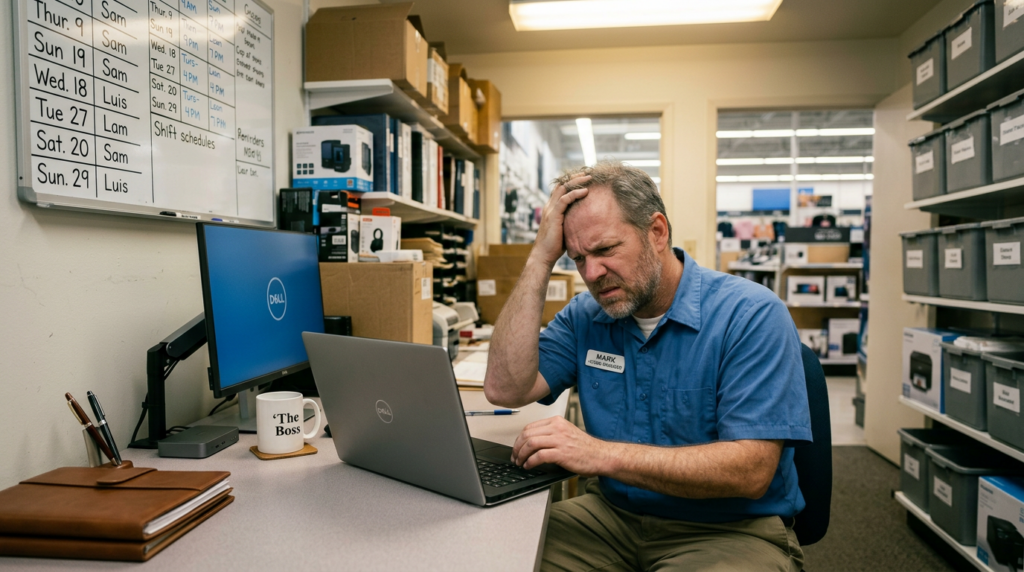
A back-office device goes down at one of your stores.
Maybe it’s the computer a store manager uses for scheduling and reporting. Maybe it’s the machine that runs your back-office software. Either way, it’s not working, and someone needs to fix it.
So you figure out what happened, determine whether it can be repaired or needs to be replaced, coordinate getting a new device imaged and configured, arrange for it to get to the store, and either dispatch a tech or someone walks a non-technical store employee through getting it online.
The whole process takes days. Sometimes more.
Most retail IT teams have lived this scenario so many times that it barely registers as a problem anymore. It’s just how things work.
But a quiet shift is happening at some retail brands, and it’s worth paying attention to. A growing number of IT leaders are making a deliberate decision to move store-level and back-office devices off Windows and onto Chrome OS, not as a pilot, not as a cost-cutting experiment, but as a strategic operational decision. And the results are changing what they expect from store IT.
This Isn’t About Chromebooks
Before going further, it’s worth separating what’s happening in retail from the consumer image of Chrome OS.
Chrome Enterprise, the platform being deployed in retail environments, is a different product than the Chromebook your kid uses for school. It’s a managed, enterprise-grade OS designed specifically for environments where IT teams need to provision, control, and recover devices across many locations without a dedicated technician at every site.
That distinction matters. When IT leaders talk about moving to Chrome OS f, they’re not talking about trading down. They’re talking about trading out a management model that has become expensive and cumbersome for one that was built for scale.
The Real Cost of Windows at the Store Level
Windows is a powerful, capable operating system. Nobody disputes that. But managing Windows across a large retail footprint carries a weight that tends to compound over time.
Imaging and re-imaging devices requires expertise and time. Security patches have to be tracked, tested, and deployed, and in distributed environments with dozens or hundreds of locations, that process is never as clean as it sounds. When a device reaches end of life, the software it was running doesn’t always transition cleanly to newer hardware, and older hardware often limps along on an OS it was never intended to run long-term.
MDM in mixed-device environments adds another layer. Many retail brands are managing Windows machines alongside mobile devices and other endpoints, each with their own management platforms and update cycles. The overhead of keeping all of it aligned, and auditable, falls on an IT team that already has more on its plate than it can comfortably manage.
Swedish jewelry retailer Ur&Penn were looking for new workplace devices with less downtime for updates and maintenance and they evolved to ChromeOS devices. They were looking for something that would boot in seconds and didn’t slow down over time.
While none of the challenges mentioned above are new problems, they’re problems for which most retail IT teams have built workarounds. Until recently, there was no alternative.
What Changes With Chrome OS
The operational difference isn’t subtle.
When a Chrome Enterprise device fails or needs to be replaced, recovery looks like this: plug in a new device, connect it to the internet, and within minutes it pulls down all corporate configurations, applications, and user settings automatically. No imaging. No lengthy setup. No need for an experienced technician on-site to make it happen.
From an MDM standpoint, Chrome Enterprise consolidates device management into a single console. Policies, app deployments, user configurations, all of it is managed centrally and pushed to devices automatically. When something changes at the corporate level, it doesn’t require a field visit to propagate it to stores.
Device cost is also a factor. Chrome-compatible hardware runs significantly less than comparable Windows machines, which matters when you’re equipping dozens or hundreds of locations and planning refresh cycles.
Worldlink has seen this transition firsthand. In a recent large-scale deployment with a major national retailer, the move to Chrome OS was one of the central strategic decisions driving the project. The simplicity of provisioning at scale and the ability to push a device live in minutes rather than days was a meaningful operational advantage. The recovery model alone changed how the entire project was scoped and executed.
Where Chrome OS for Retail Fits—and Where It Doesn’t
Clarity on scope matters here, because Chrome OS isn’t a replacement for everything.
POS terminals, kitchen systems, and other purpose-built retail technology run on their own platforms and aren’t part of this conversation. The migration happening now is focused on back-office devices–the computers store managers use for day-to-day operations: scheduling, reporting, inventory management, internal communications, and back-office software.
This is a targeted change, not a wholesale platform overhaul. For most brands considering it, the first question isn’t whether Chrome OS for retail can do everything Windows can. It’s whether the devices running Windows for back-office functions could be doing the same work on a platform that’s dramatically simpler to manage, deploy, and recover.
For many, the answer is yes.
What This Actually Means for Store IT Operations
 The downstream effects go beyond the device itself.
When devices provision in minutes and recover in minutes, the number of truck rolls driven by device failures drops. When MDM is unified and policies push automatically, the ongoing management overhead per location shrinks. When hardware is less expensive and more standardized, refresh cycles become more predictable and easier to plan.
For brands opening new stores, the provisioning model changes significantly. A device that can be pulled from a box, connected, and fully configured without a technician touching it means that back-office setup becomes a much smaller part of the opening day workload.
For brands managing large footprints, it changes the details around support. When something goes wrong at a store, the IT team isn’t dispatching someone to re-image a machine. They’re solving the actual problem, not the operational overhead around it.
Security is also worth mentioning. One of the on-going risks in distributed retail environments is devices running software that’s out of date, either because patch deployment is complex, or because an older machine simply can’t support the latest updates. Chrome OS handles updates automatically and silently in the background, with no end-user action required. The security posture across the fleet stays current without adding to anyone’s workload.
A Different Way of Thinking About the Problem
The brands moving to Chrome OS aren’t primarily motivated by Chrome OS for retail itself. They’re motivated by a clearer view of what Windows-based management has been costing them: in time, in complexity, in IT bandwidth, in risk.
Most retail IT teams have absorbed those costs so gradually that they stopped noticing them. They’ve built workflows around re-imaging devices, staffed for it, planned around it. It’s become part of the operating model. But what if it didn’t have to be?
That’s worth thinking about, especially for any IT leader who has spent more than a few hours getting a store’s computer back online.