

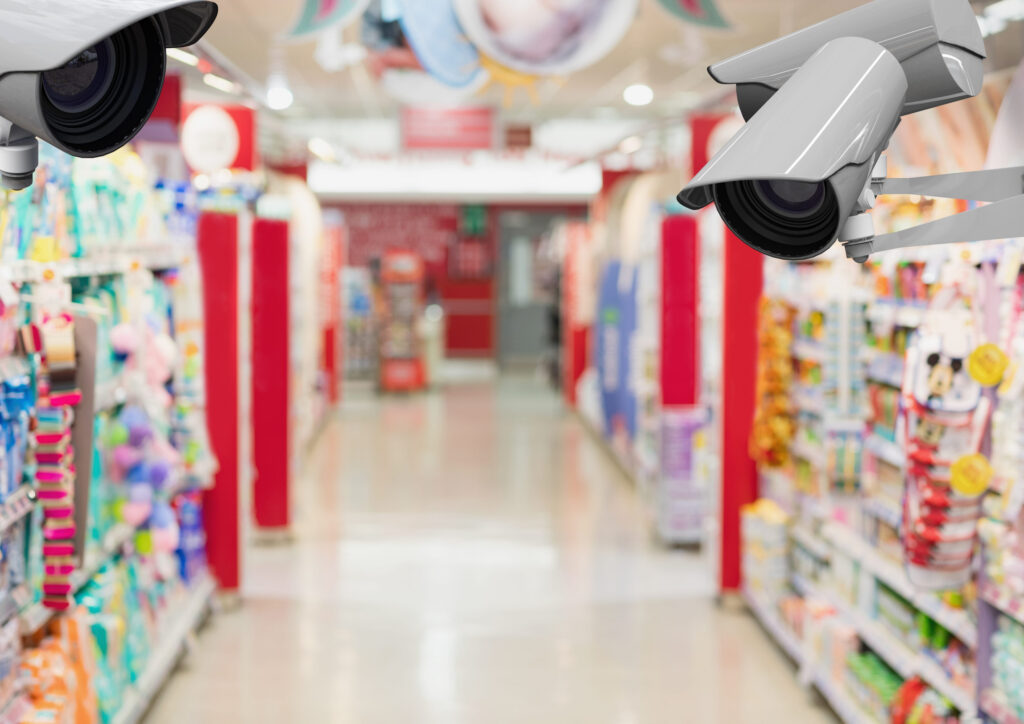
At FSTEC 2026, AI video was one hot topic on the show floor. Vendor after vendor showed how store cameras can become a source of data. They can time every car in the drive-thru, spot when a station isn’t staffed, flag order mistakes and catch losses at the register.
But walk into many restaurants and stores today, and you’ll find an older camera system. Analog cameras are wired with coax cable to a DVR (digital video recorder) in the back office. These systems are still common. In 2025, IP cameras made up about 64% of surveillance camera sales, which means roughly a third of new sales were still analog or hybrid systems. The installed base in stores is likely older still.
That raises a big question for IT leaders: do you have to rip out your cameras to use AI, or can you build on what you already have? The answer is “it depends.” This article explains the three main paths and how to choose between them.
How AI can work with the cameras you already have
It surprises many people that AI can work with an older camera system at all. Here’s how.
In a typical older setup, analog cameras send a basic video signal over coax cable to the DVR. The DVR turns that signal into digital video, records it, and connects to the store network so managers can watch remotely. That last part is the key. Because the DVR already has digital video and is already on the network, an AI system can tap into it.
A retrofit usually works like this:
-
-
- A small computer is installed in the store. Some vendors use a device about the size of a credit card.
- That device connects to the DVR over the store network and pulls a copy of each camera’s video. Most business DVRs can share their video this way using standard formats.
- AI software analyzes the video, either on that device or in the cloud.
- The results show up in a dashboard: drive-thru times, staffing gaps, order accuracy alerts and more.
-
The cameras, the coax cable and the DVR all stay in place. Think of it as adding a new brain to the same old eyes.
One thing still matters: where the analysis happens. If the AI runs on the device in the store, very little video leaves the building. If video is sent to the cloud for analysis, it can put real strain on the store’s internet upload speed.
Three paths, side by side
Retrofitting isn’t the only option. Most operators are really choosing between three paths:
| Retrofit | Upgrade over coax | Rip and replace | |
| What changes | Add an AI device; keep cameras and DVR | New HD cameras and recorder; keep the coax cable | New IP cameras, network cabling with power (PoE), and a new recorder or cloud service |
| Upfront cost | Lowest | Medium | Highest |
| Disruption to stores | Minimal | Moderate | Highest |
| Video quality for AI | Limited by old cameras | Good (1080p or better) | Best |
| Camera placement | Stays where it was set for security | Can be adjusted | Planned for the job |
| Long-term support | Two systems to maintain | One system, but with proprietary formats | One modern system |
Retrofit fits best when your cameras are recent, already cover the areas the AI needs to see, and your DVRs can share video. It’s the fastest way to test AI at scale.
Upgrade over coax is a middle path many people don’t know about. “HD-over-coax” cameras send high-definition video over the coax cable that’s already in the walls. You replace the cameras and the recorder, but skip rewiring, which is often the most expensive and disruptive part. The catch is that these formats are proprietary, so cameras and recorders must match.
Rip and replace makes sense when the system is old, the video is poor, or you need cameras in new places. It costs the most, but you end up with one modern system built for AI from the start.
Five questions to help you decide
-
-
- What does the AI need to see? Counting cars in a drive-thru lane is easy, even with older cameras. Checking every item in a bag needs sharp video, a close angle and good lighting. Start with the job, then look at the cameras.
- Can your cameras deliver? As a rule of thumb, AI detection needs about 1080p video at 10 to 15 frames per second. Many older analog cameras fall below that. Dim lighting also hurts accuracy, often before the video looks bad to a person.
- Will your DVR share its video? Most business DVRs can, but some older models can’t send individual camera feeds to another device, even if they have a remote-viewing app. Test this on real sites before you buy.
- How old is the system? DVR hard drives typically need replacing every three to five years. If your cameras or recorders are near the end of their life, retrofitting now may mean paying twice: once for the retrofit, and again when you replace the system anyway.
- How many sites, and how different are they? A fleet with many camera brands and DVR models is harder to retrofit the same way everywhere. The more variety you have, the more each site needs to be checked.
-
To provide some perspective, in our experience, the typical QSR deploys between 6 and 12 cameras with an average of 8 per QSR. With respect to retailers, it depends on the size of the location, but we find small format stores (strip mall) deploy between 6 and 12, mid-size locations (like the size of a TJ Maxx)—approximately 20 to 40, and large format (Target-size) locations deploy between 60 and 100 cameras.
We find that DVR units over 5 years old should be replaced as that’s about the maximum lifespan of that technology. Older units are also going to have lower video quality (1080p) and the details will get lost in the images.
The math: what each path costs
Costs vary a lot by region and building, but published installer pricing gives a useful starting point.
Rip and replace. One commercial installer puts a standard IP camera at about $250 to $600 installed. Each new network cable run adds about $150 to $300. Network upgrades, such as new switches that can power cameras, add another $500 to $3,000 or more per site. That installer calls network upgrades the “biggest surprise cost.”
For a store with 12 cameras, that works out to roughly $3,500 to $10,000 per location. Across 300 locations, the total could reach $1 million to $3 million. (These are our estimates, built from the installer figures above.)
Do these numbers sound reasonable or should we remove them???
Upgrade over coax. This path still means buying new cameras and recorders. But because it skips most new cable runs, it usually costs less than a full replacement.
Retrofit. The upfront cost is usually the lowest, since you’re adding one small device per site. But most retrofit vendors charge a monthly fee, either per camera or per hour of video analyzed. Ask for the total cost over three to five years, not just the first-year price.
Costs that apply to every path:
-
-
- Site surveys to learn what’s actually installed at each location
- Testing video quality and camera angles at each site
- Supporting old and new equipment at the same time during the transition
-
A smart way to start: test before you commit
The biggest mistake is choosing a path based on a demo at one great location. A better approach takes three steps:
-
-
- Survey a sample of sites. Record the camera models, DVR models, camera angles, lighting and network setup. You’ll quickly see how much variety you’re dealing with.
- Pilot on a real mix of locations. Include older stores and newer ones, busy sites and slow ones. A pilot that only runs at your newest store tells you little about the rest.
- Plan a phased path. You don’t have to pick one approach for every site. Retrofit where the cameras are good enough, upgrade over coax where the cabling is fine but the cameras aren’t, and replace systems as they reach end of life.
-
Good enough video, at the right cost
The goal isn’t new cameras or old cameras. It’s video that’s good enough to give you useful data, at a cost that makes sense across all your locations. For some brands, a retrofit will deliver that today. For others, the smarter move is an upgrade or a full replacement. Most will end up with a mix.
Whichever path you choose, start with what the AI needs to see, check what’s really installed at your sites, and test before you roll out.
Worldlink Integration Group helps multi-site organizations including restaurant and retail brands with site surveys, camera and network assessments, and nationwide installs for every path, from retrofits to full replacements. Talk to our team about getting your locations ready for AI video.